What Is a QR Code and What Is It For (2026 Guide with Examples)
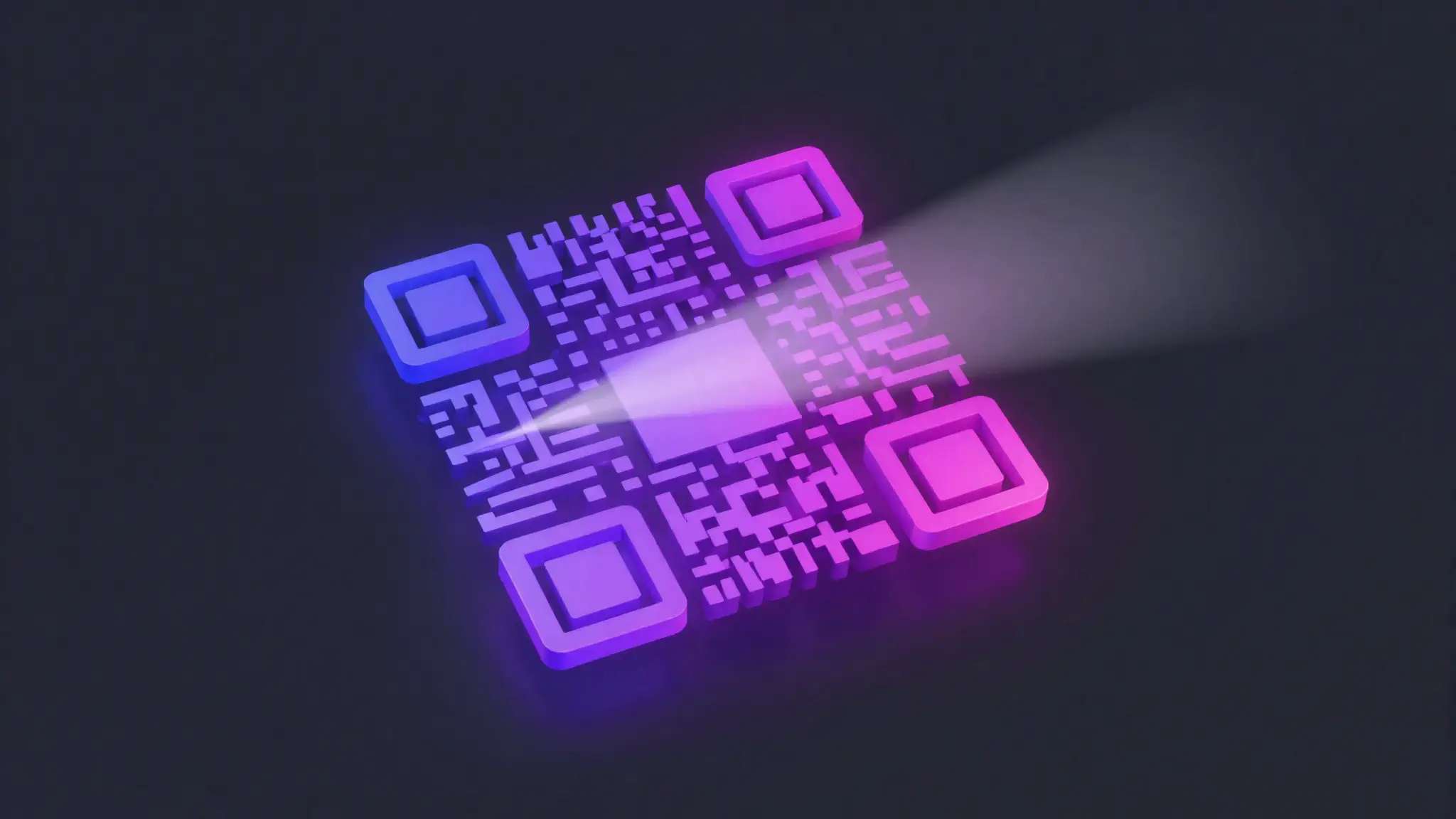
TL;DR: A QR code is a square barcode that stores information your phone camera can read in a fraction of a second — usually a website link, but also WiFi passwords, contact cards, payment details or text. You point your camera at it and the phone does the rest. In this guide we explain how QR codes work, the difference between static and dynamic codes, the most common real-world uses with examples, how to make your own step by step, and — importantly — how to avoid the QR scams ("quishing") that have spread in recent years.
QR codes went from niche to everywhere. They are on restaurant tables, product packaging, business cards, concert tickets, posters, payment terminals and Instagram bios. But most people have never been told what they actually are or how to use them safely. This guide fixes that in plain language.
What is a QR code and how does it work?
QR stands for "Quick Response." It is a type of two-dimensional barcode: where a classic supermarket barcode stores a handful of digits in a row of vertical lines, a QR code stores data in a grid of small black and white squares (called modules). Because it encodes information both horizontally and vertically, it can hold far more — thousands of characters instead of a dozen.
When you point your phone camera at one, here is roughly what happens:
- Find the code. The three large squares in the corners are "finder patterns." They tell the camera where the code is and how it is rotated, so it scans correctly even at an angle.
- Read the grid. The phone reads each tiny module as a 0 or a 1 and reconstructs the underlying data.
- Fix errors. QR codes include built-in error correction, so they still scan even if part of the code is dirty, scratched or covered by a logo — up to about 30% damage in the highest setting.
- Act on the data. The phone interprets what it found — open a URL, join a WiFi network, save a contact, show text — and offers you the matching action.
No app is usually needed: since around 2017, the native camera on both iPhone and Android detects QR codes automatically. You just open the camera and aim.
A brief history
QR codes were invented in 1994 in Japan by Masahiro Hara at Denso Wave, a subsidiary of Toyota. The goal was practical: factories needed to track car parts faster than 1D barcodes allowed. Denso Wave made the specification open, which is a big reason the format spread worldwide instead of staying locked to one company.
For two decades QR codes were mostly an industrial and Japanese phenomenon. The global tipping point came when smartphone cameras started reading them natively, and then the pandemic accelerated everything — contactless menus, check-ins and tickets turned QR codes into an everyday habit almost overnight. Today they are a standard part of how the physical and digital worlds connect.
Static vs dynamic QR codes
This is the single most useful distinction to understand, because it changes what your code can do.
| Static QR code | Dynamic QR code | |
|---|---|---|
| What it stores | The final data directly (e.g. the full URL) | A short redirect link that points to your destination |
| Editable after printing? | No — fixed forever | Yes — change the destination anytime |
| Scan statistics? | No | Yes (scans, location, device) |
| Depends on a service? | No — works on its own | Yes — needs the redirect service online |
| Best for | WiFi, plain text, contact cards, links you'll never change | Marketing, menus, campaigns you'll update |
| Cost | Almost always free | Often a paid/subscription feature |
In short: use a static code when the information is permanent (your WiFi password, a phone number, a contact card) and you want zero dependencies. Use a dynamic code when you might change the target later — for example a restaurant menu that updates seasonally, or a poster campaign where you want to track how many people scanned it.
What is a QR code used for? Real examples
Here are the uses you will actually run into, with concrete examples:
Restaurant and café menus
A code on the table opens a web page with the menu. The restaurant can update prices and dishes without reprinting anything (a perfect case for a dynamic code).
Links to Instagram, WhatsApp or any social profile
A QR code can open your Instagram profile, start a pre-written WhatsApp message, or point to your Linktree. Put it on a flyer or a shop window and people follow or message you without typing your handle. You can turn your own profile link into a QR code in seconds and print it anywhere.
WiFi access
A "WiFi QR code" stores the network name and password. Guests scan it and connect automatically — no more reading a long password off a sticky note. This is almost always a static code.
Résumés and business cards
Add a code to your CV or card that opens your portfolio, LinkedIn or a vCard contact file, so a recruiter saves your details with one scan.
Events and tickets
Concert, flight and cinema tickets use QR codes that staff scan at the door to validate entry. The code holds a unique identifier tied to your booking.
Payments
In many countries you pay by scanning a merchant's QR code, which opens your banking or wallet app pre-filled with the recipient. It is fast and works without card terminals — but it is also a favorite target for scammers, which we cover below.
How to create a QR code, step by step
Making one is genuinely quick. Here is the process:
- 1. Decide what it should do. A website link? WiFi credentials? Your Instagram or WhatsApp? Plain text? This determines the code "type."
- 2. Open a QR generator. Paste your link or details into a free tool. You can create your QR code free here in a couple of clicks.
- 3. (Optional) Customize it. Some generators let you change colors or drop a small logo in the center. Keep it subtle — heavy styling hurts scannability.
- 4. Download the image. Get a high-resolution PNG or, better for print, an SVG so it stays crisp at any size.
- 5. Test it before you publish. Scan it with at least two or three different phones to be sure it opens the right thing. Never print thousands of flyers with an untested code.
Make a QR code in seconds. Link, WiFi, social profile or text — free, no sign-up, no install.
Create your QR code free here →Best practices for QR codes that actually scan
Most "broken" QR codes are not broken — they were made badly. Follow these rules:
- Keep the quiet zone. Leave a clear margin of empty space around the code (about four modules wide). Text or graphics touching the edges stop it scanning.
- Mind the size. On print, aim for at least 2–3 cm per side, and bigger if it will be scanned from a distance (a poster on a wall needs a much larger code than a business card).
- Use strong contrast. Dark code on a light background is the safe default. Avoid light-on-dark unless you have tested it, and never put it over a busy photo.
- Don't invert or over-style. Logos are fine in moderation thanks to error correction, but pushing it too far breaks the pattern.
- Add a short call to action. "Scan to see the menu" or "Scan to follow us" tells people what they get — scans go up dramatically.
- Always test before printing. The cheapest mistake to avoid. Test on multiple devices and in the real lighting where it will live.
Security: beware unknown QR codes ("quishing")
A QR code itself cannot harm your phone — it is just stored data. The danger is where it sends you. Because people scan codes without thinking, criminals exploit them in a scam called quishing (QR + phishing).
Typical tricks include:
- Sticker overlays. A fake code pasted over the real one on a parking meter, EV charger or payment terminal, sending your money or login to the attacker.
- Phishing by email. A message claiming you must "scan to verify your account," leading to a fake login page that steals your password.
- Fake posters and flyers promising prizes or free WiFi that actually point to malware or a data-harvesting form.
How to stay safe:
- Preview the URL your camera shows before tapping
- Check the domain matches the brand you expect
- Be suspicious of codes that demand a login or payment
- Type sensitive sites (bank, email) by hand instead of scanning
- Scan codes from unsolicited emails or random stickers
- Trust a code just because it's in a public place
- Enter passwords or card details on a page you reached via QR
- Ignore a "stuck-on" sticker covering an official code
The simple rule: a QR code is a shortcut to a link, and you should treat that link with the same caution you would any link sent to you. If the destination looks off, close it.
📌 The takeaway
What it is: a square barcode your camera reads instantly, holding a link, WiFi, contact or text.
Static vs dynamic: static is permanent and dependency-free; dynamic is editable and trackable.
What it's for: menus, social and WhatsApp links, WiFi, résumés, tickets and payments.
To make one well: keep the quiet zone, size and contrast, and always test before printing.
Stay safe: preview the URL and never scan codes from untrusted sources — watch out for quishing.
Frequently asked questions
What is a QR code in simple terms?
A QR code (Quick Response code) is a square, black-and-white pattern that stores information your phone camera can read instantly. Instead of typing a long web address, you point your camera at the square and the phone opens the link, text, WiFi network or contact stored inside it.
Do QR codes expire?
A static QR code never expires on its own — the data is baked into the pattern, so it works as long as the destination it points to is online. A dynamic QR code stays valid as long as the service hosting its short redirect link keeps running and your account is active. If that service shuts down, a dynamic code can stop working even though the printed square is fine.
What is the difference between a static and a dynamic QR code?
A static code stores the final data directly in the pattern, so it cannot be changed after printing but never depends on a third party. A dynamic code stores a short redirect link, so you can change where it points and see scan statistics at any time without reprinting the code.
Are QR codes safe to scan?
The square itself is just data and cannot infect your phone — the risk is what it links to. Scammers place fake codes on meters, posters and emails to send you to phishing pages ("quishing"). Always preview the URL your camera shows before tapping it, and never scan a code from an untrusted source.
How do I create my own QR code for free?
Pick what you want to share (a link, WiFi details, your Instagram or WhatsApp), paste it into a free QR generator such as StalkStory's, download the image, and test it with two or three phones before printing. Keep good contrast, leave a clear margin around it, and make it at least 2–3 cm wide on print.